Features
-
Good keyboard support
Shortcuts for the tools and commands, and arrow keys that pan the view or nudge the selection.
-
Opens yEd files
Reads the GraphML files yEd writes, so your existing diagrams come along.
-
PNG and SVG export
Export the whole drawing or just the selected area, with scale, margin and transparent background options.
-
Shapes, lines and images
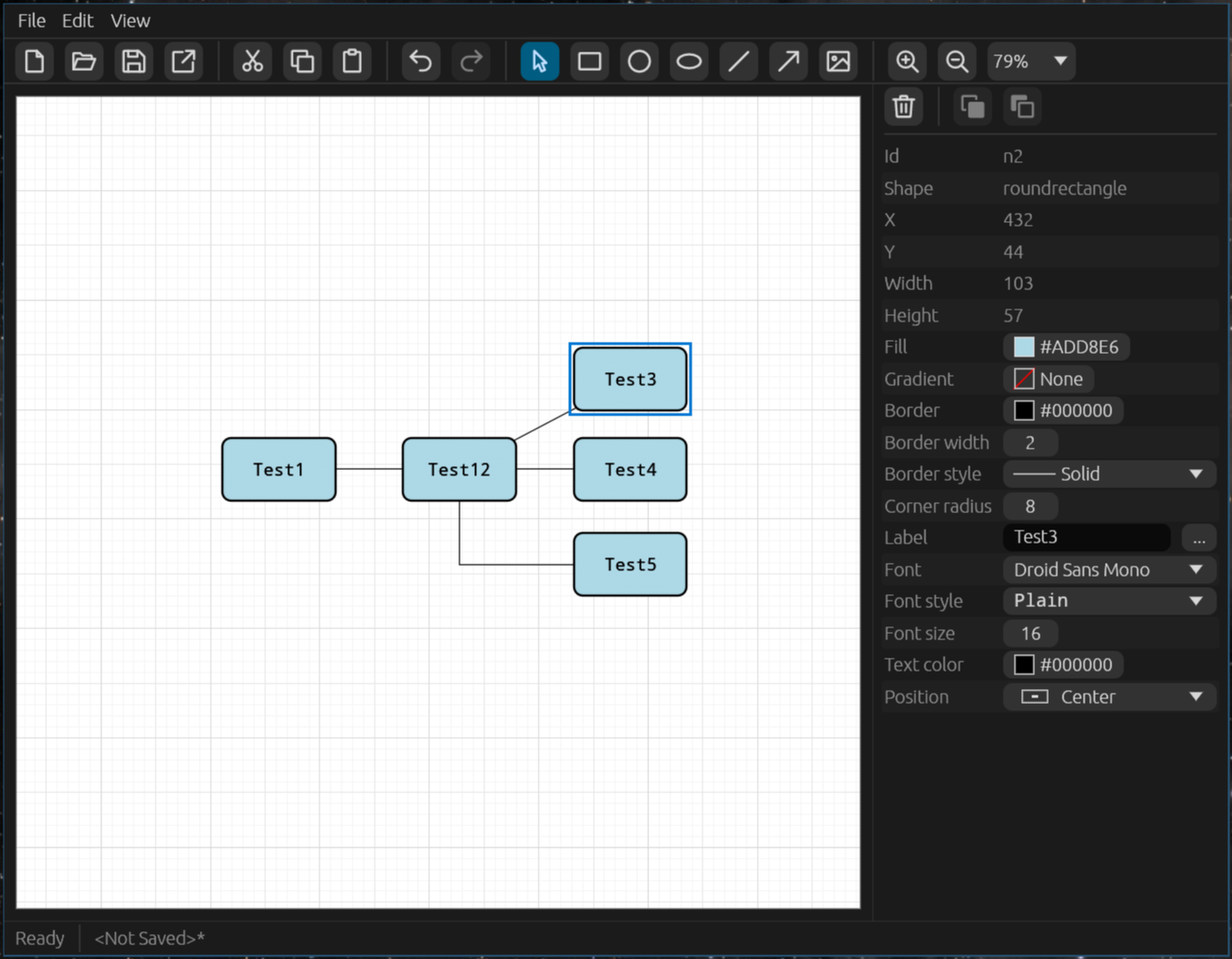
Boxes, circles and ellipses, lines and arrows with bends, text labels and SVG images.
-
Snap lines and undo
Snap lines and a grid to line things up, and undo and redo for your edits.
-
Small and native
A single small app for Linux, macOS and Windows. No account or internet connection needed.
Installing
- Linux
- Unpack the archive and run
drwrfrom the folder it makes. - macOS
- Unzip it and move
drwr.appto Applications. drwr isn't notarized by Apple yet, so macOS blocks its first launch: allow it under System Settings › Privacy & Security › Open Anyway, or run this in Terminal:xattr -dr com.apple.quarantine /Applications/drwr.app - Windows
- Unzip it and run
drwr.exe. If Windows SmartScreen says it protected your PC, choose More info › Run anyway. - Checksums
- Every release lists the files' SHA-256 checksums in SHA256SUMS.